How to allow The digital signature
Recently, encounter digital signature is not trusted error after upgraded to Mac OS X 10.8 Mountain Lion. While browsing certain website that require Java application, it will display The digital signature is not trusted. The allow button is not available to click. As a result, we have to click deny and stop the function.
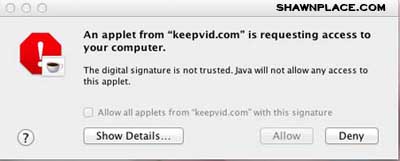
To solve this problem is quite simple.
Go into System preferences -> security and privacy,

Check the box that allows applications to be downloaded from anywhere
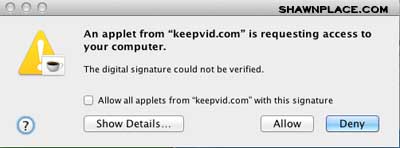
After all, you can click allow to process the function.

I like it.